French
  English
  Arabic
Table des Matières
Record Financial Claim Submission Date #
To access the reports claims page follow up this steps: #
- From the Side Menu, click Rapport Claims.
- The Claims Report main page will open.
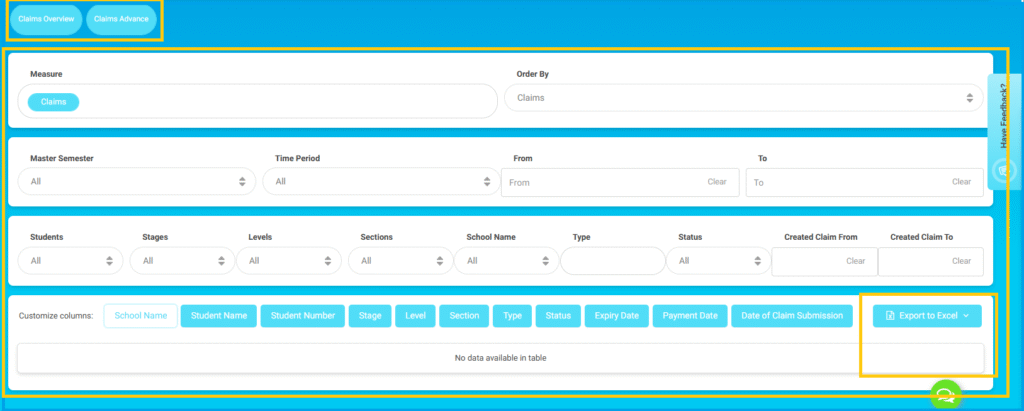
Review Main Page Options: #
- Select Claims Overview or Claims Advance.
- Ensure Measure = Claims.
- Choose sorting from Order By.
Available Filters:
- Master Semester
- Time Period
- From / To (Date Range)
- Élèves
- Cycles
- Levels
- Sections
- School Name
- Type
- Status
- Created Claim From / To
The results will appear in the table below.
Customize Columns options:
- School Name
- Numéro d'élève
- Stage
- Niveau
- Section
- type
- Status
- Expiry Date
- Payment Date
- Date of Claim Submission
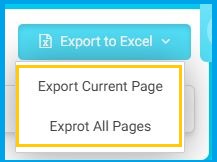
- Export to Excel ( Export Current Page or Export All Pages )