Arabic
  English
  French
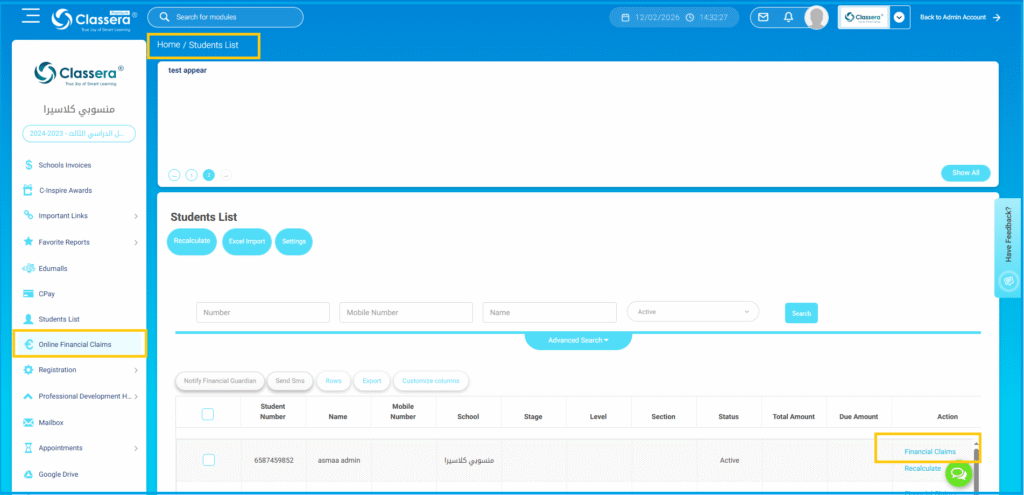
 To access the Online Financial Claims follow up this steps:
- - Side Menu, go to Online Financial Claims.
- The main claims student list page will open.
- Locate the claim that needs an Expiry Date, From the الإجراء column (right side), click Financial Claims .
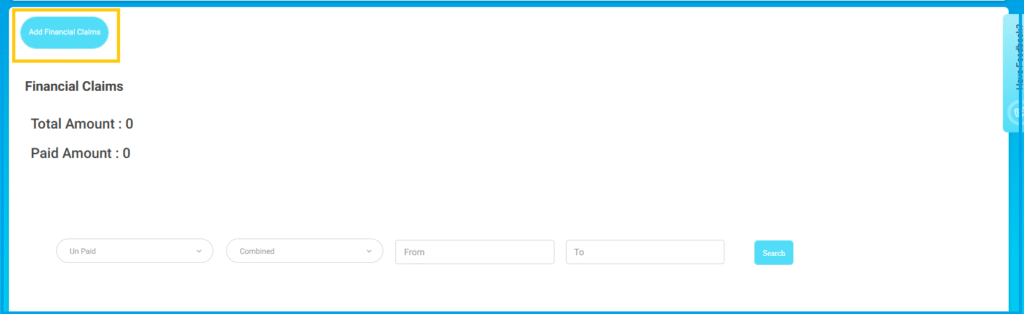
- in the next page Click Add Financial Claim.
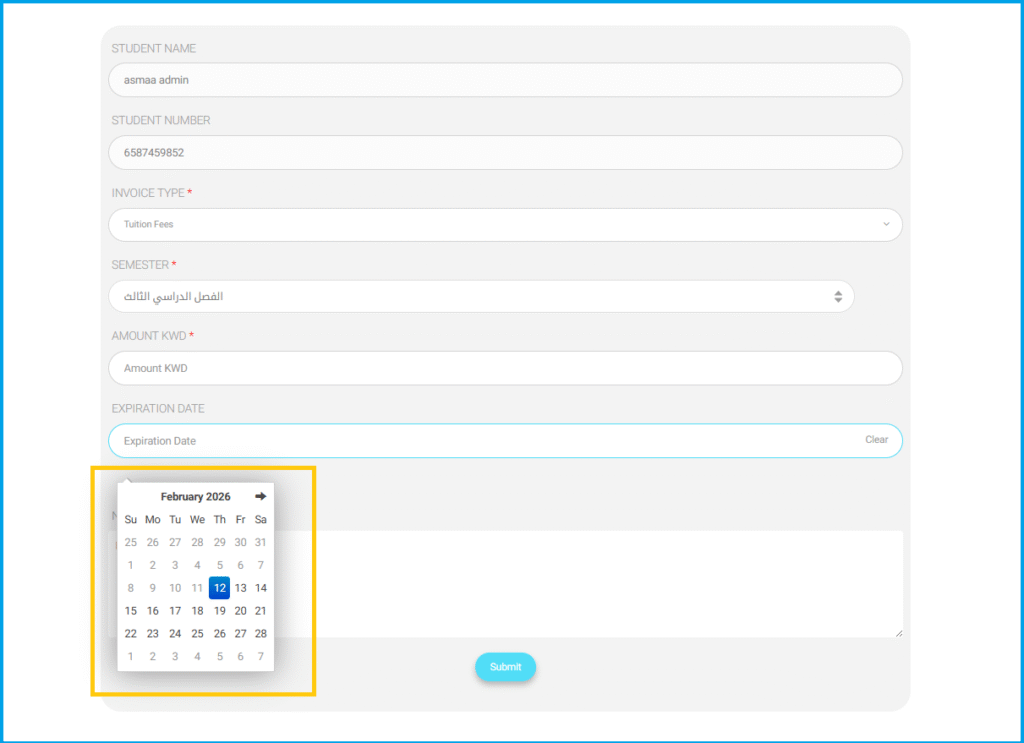
In the Add Financial Claims page Complete the following fields:
- اسم الطالب (Auto-filled)
- رقم الطالب (Auto-filled)
- Invoice Type* Select the invoice type (e.g., Tuition Fees).
- Semester* Select the semester.
- Amount (KWD)* Enter the claim amount.
- Expiration Date Select the expiry date.
- Allow Partial Payment Check if applicable.
- ملاحظة : الفئات المصرّح لها: Add notes if needed.
- After entering the details, click ارسال.