
 English
  Arabic
  French
 Course Materials are files and videos added by the teachers to help their students keep up with their progress and to facilitate the studying process.
To access your course materials: #
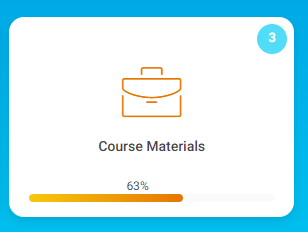
- From the Homepage, hover over the Course Materials tab.
- Then choose the required material.
- The material added and its options appear.
Course Material Options : #
- You can download the video.
- You can click Like.
- You can click Understand.
- You can rate the material from one to five using the stars icons.
- You can add a comment to your teacher in the Comments section.
- You can ask your teacher/instructor any question related to the course material.



