
 English
  Arabic
  French
 Accessing Evaluations / Surveys
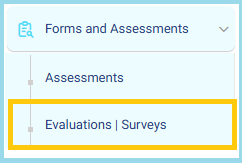
- From the main menu, navigate to Forms and Assessments.
- Select Evaluations | Surveys to open the module.
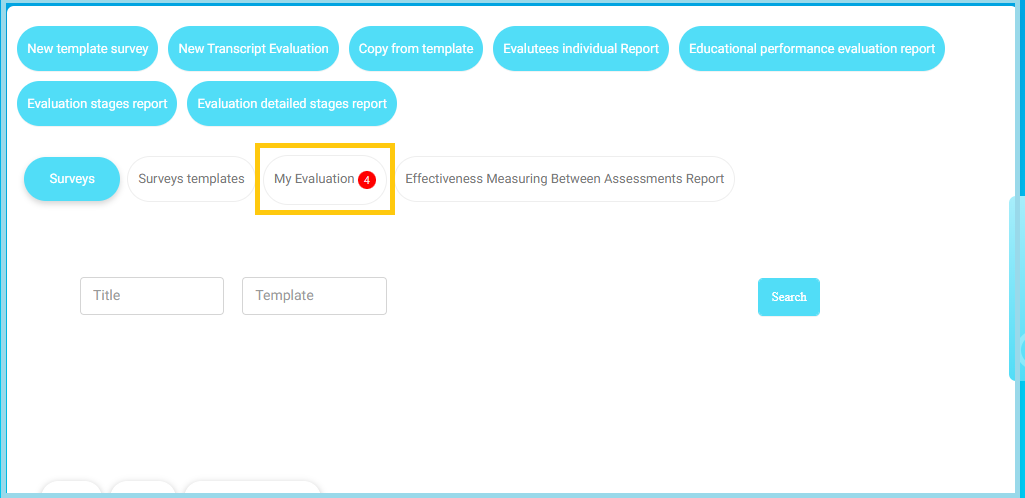
- On the Evaluations | Surveys page, click My Evaluation.
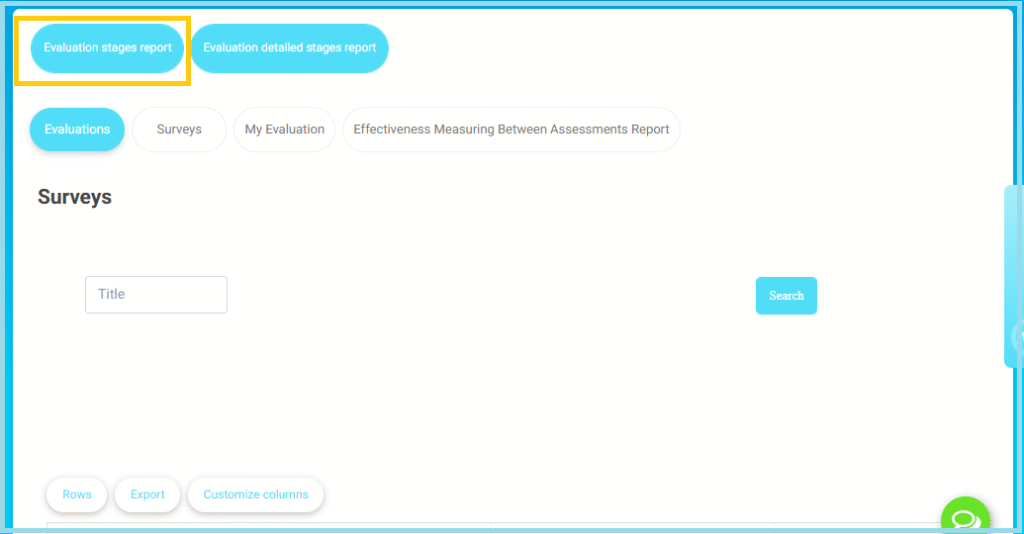
- On the top action bar, click Evaluation stages report.
- The report filter screen opens.
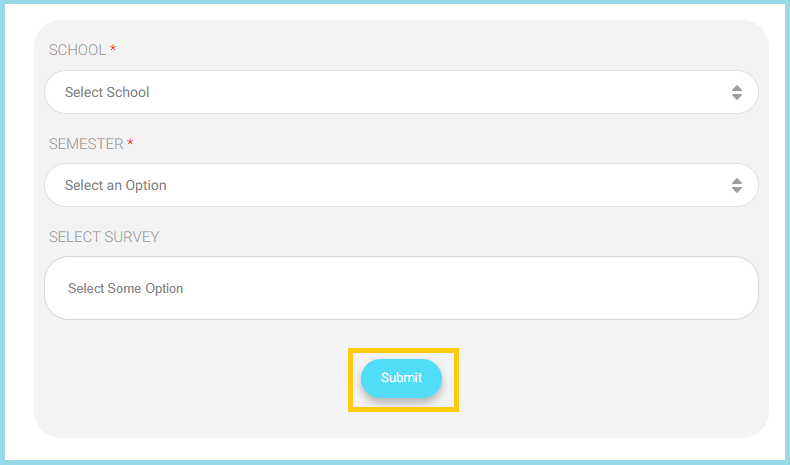
- Select the required School.
- Select the required Semester.
- (Optional) Select a specific Survey to narrow the results.
- Click Submit to generate the report.
- The system displays the evaluation data grouped by evaluation stages, showing progress and current status.


