English
  Arabic
  French
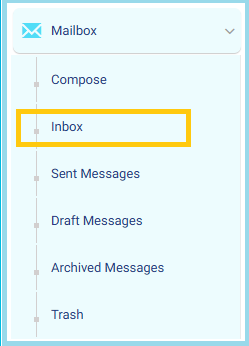
 - From the main menu, click the Mailbox drop-down list.
- Select Inbox to view received messages.
- Click Compose located at the top-left of the page to create a new message.
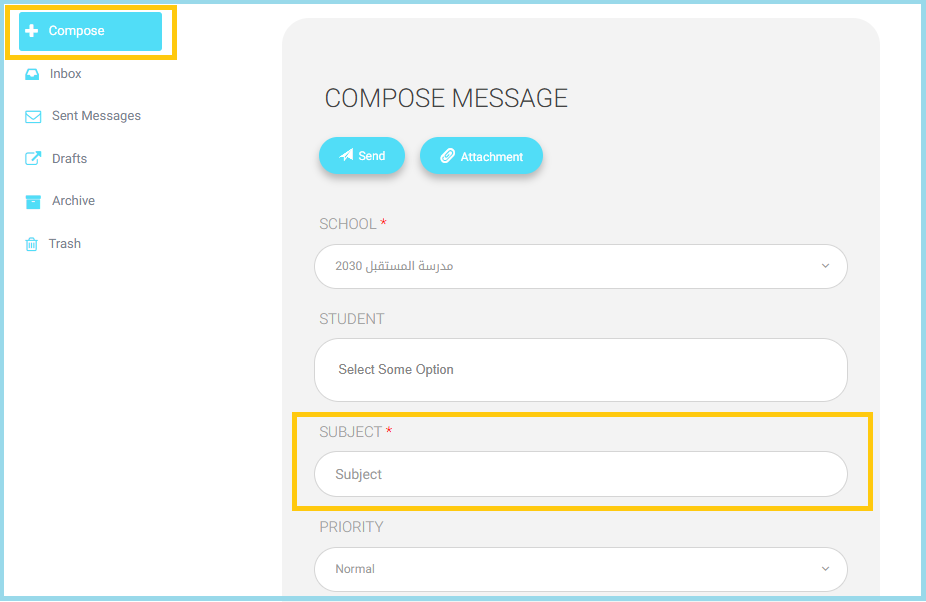
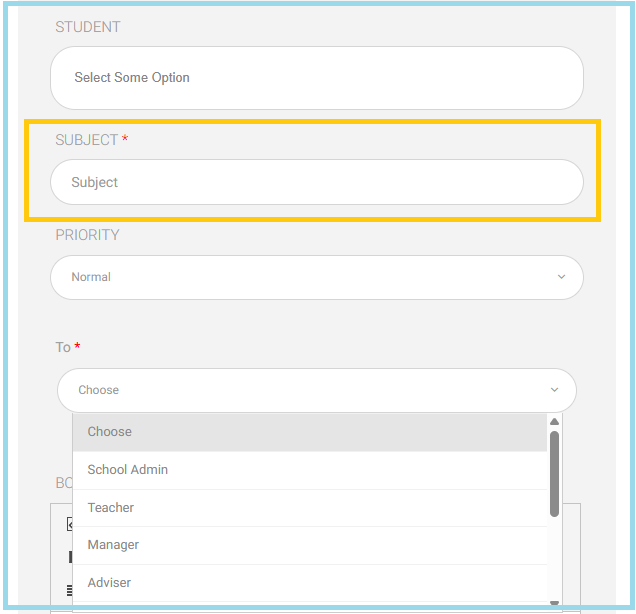
- Use the Student filter to select the student (If you have more than one child, choose the required student from the list).
- Enter the Subject related to the teacher to whom the message will be sent (mandatory).
- From the To field, select Teacher to choose the message recipient.
- Complete the message content and proceed with sending.