
 English
  Arabic
  French
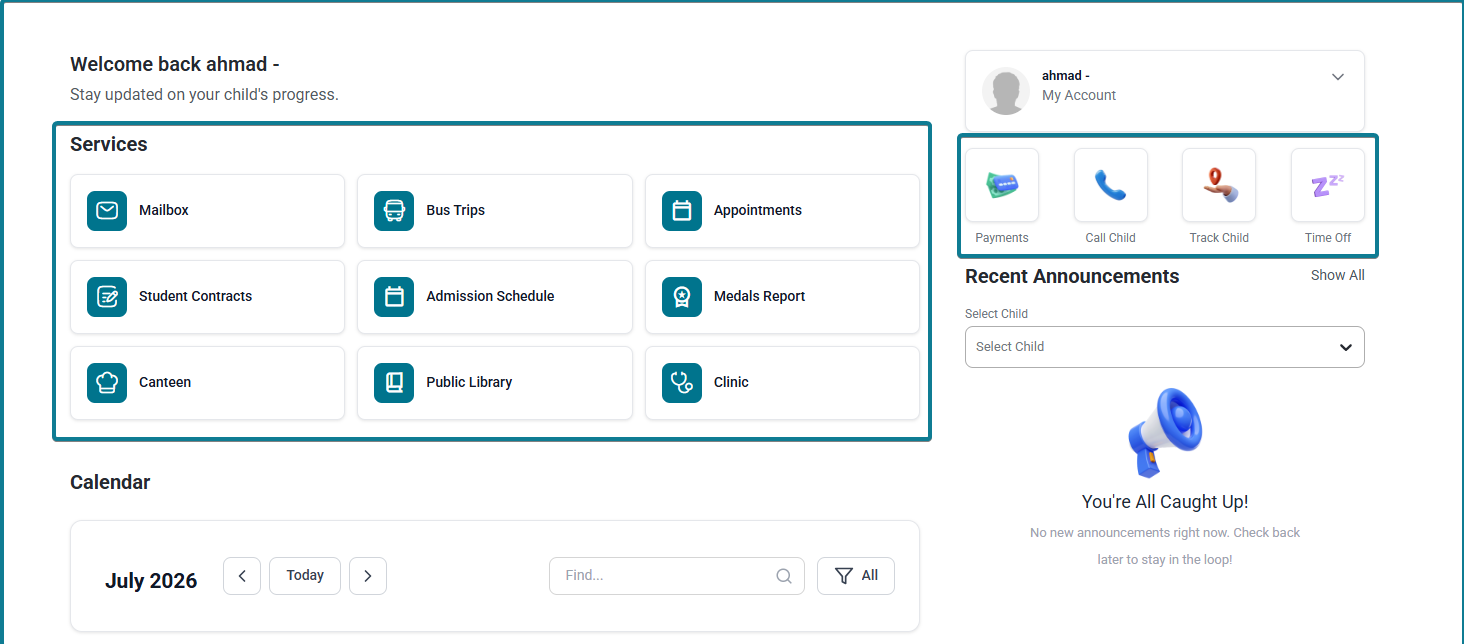
 The Services & Quick Access suite provides guardians with direct shortcuts to manage administrative tasks, financial statements, school transportation, student tracking, health records, and communication features directly from the main Guardian Dashboard.
Part 1: Quick Access Actions #
Located directly beneath the profile card on the dashboard sidebar, these quick buttons allow guardians to execute immediate actions for individual children:
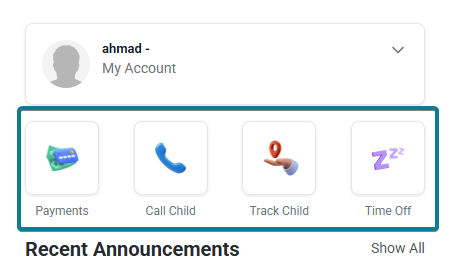
1. Payments #
- Purpose: Manage school fee statements, review billing items, and settle payments online.
- Workflow & Key Controls:
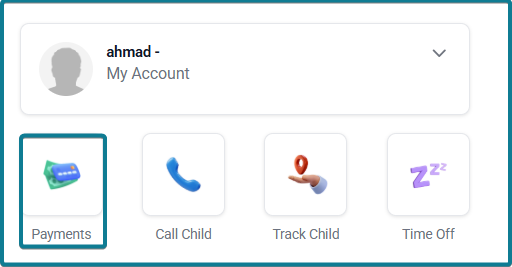
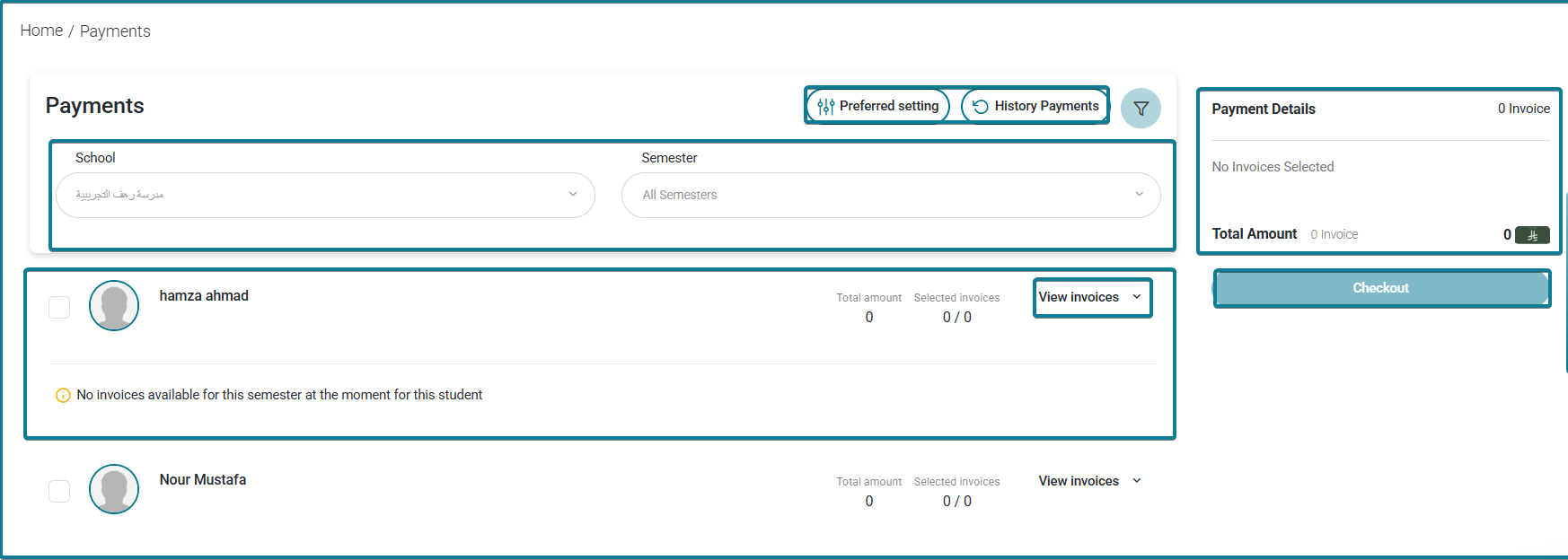
- Click Payments to open the dedicated financial portal (Home / Payments).
- Use the School and Academic Term dropdowns to filter invoices.
- Expand specific child cards to view pending itemized fees, total amounts, and selected invoice counts.
- Access Payment History to review previous receipts, or click Preferences to configure payment methods.
- Select target invoices and click Pay to proceed with digital checkout.
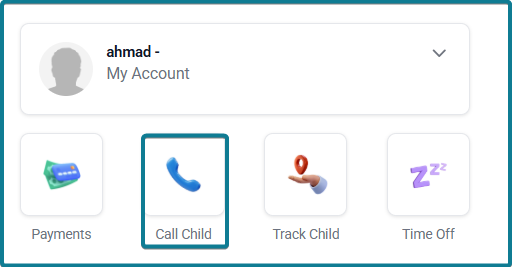
2. Call Child / Dismissal Request #
- Purpose: Send direct pickup requests or dismissal alerts to school staff when arriving at campus.
- Workflow: Click Call Child to notify campus supervisors and dispatch your child to the designated pickup point.
3. Track Child #
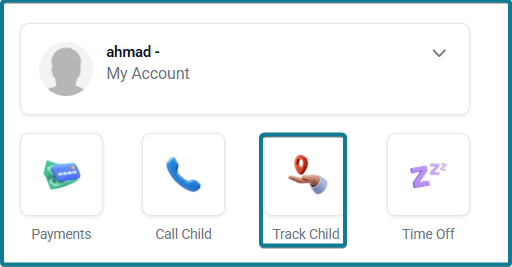
- Purpose: Monitor your child’s live transportation status or physical location.
- Workflow: Click Track Child to open an interactive map view (Home / Track Children) showing real-time location updates.
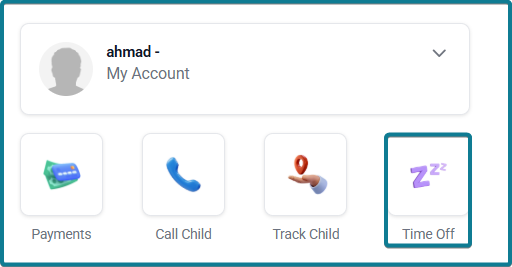
4. Time Off / Leave Request #
- Purpose: Submit formal absence excuses or leave notifications for your child.
- Workflow:
- Click Time Off to launch the excuse submission form (Home / Leave Request).
- Select the Absence/Leave Type.
- Select the target Student from the dropdown list.
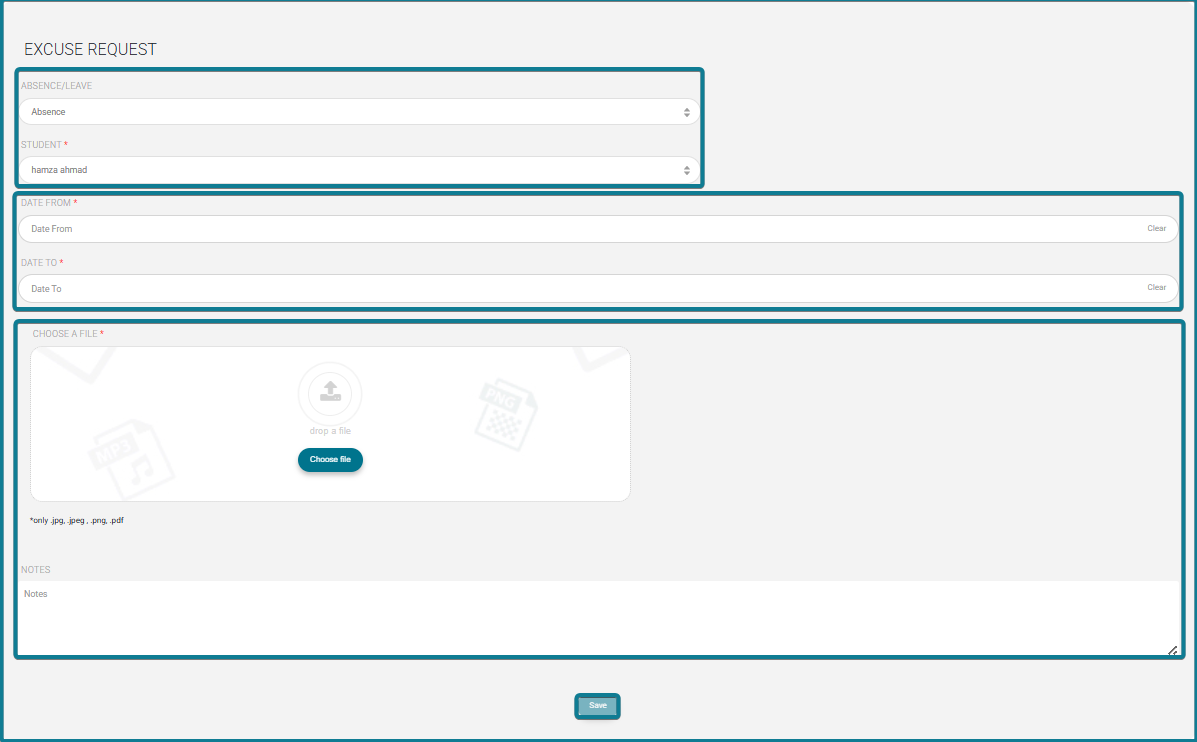
- Specify the From Date and To Date.
- Upload supporting documentation (medical reports, official notes) in valid formats.
- Enter additional comments in the Notes box and click Save.
Part 2: Main Services Panel #
Located in the center grid of the dashboard, these main service tiles open comprehensive modules for administrative and school operations:
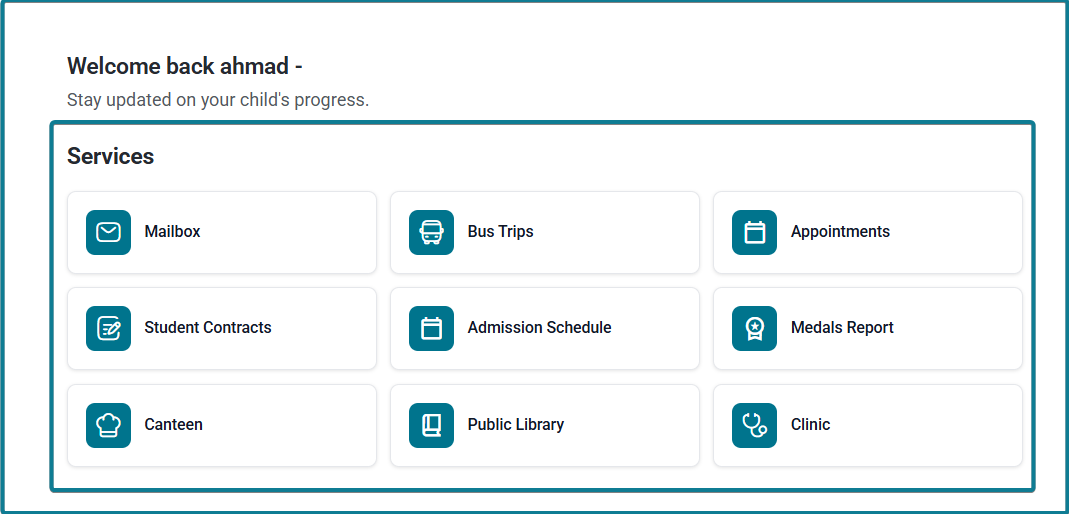
1. Mailbox #
- Access the internal communication center to view incoming school broadcasts, send direct messages to teachers, and manage school emails.
2. Bus Trips #
- View bus supervisor contact details, assigned vehicle numbers, route titles, and scheduled departure/arrival times (Trips List). Use the search filters by student name or supervisor to review transport logs.
3. Appointments #
- Schedule or review parent-teacher conferences and staff meetings. Features an interactive timetable view showing reserved slots vs. available appointment windows across weekly schedules.
4. Student Contracts #
- Access financial, enrollment, and tuition agreements tied to your registered children (Contract Pages). Displays critical alerts and active contractual terms.
5. Admission Schedule #
- Monitor prospective student enrollment timelines, entry exam dates, and registration interviews.
6. Medals Report #
- View gamification rewards and achievement badges earned by your children. Features advanced search filters by badge name, teacher name, date range, or subject period, with options to export or customize report columns.
7. Canteen #
- Manage daily food allowances, review purchase transactions, and configure dietary restrictions or pre-orders for the school canteen.
8. Public Library #
- Access digital learning resources, electronic books, and supplementary educational assets provided by the school network.
9. Clinic #
- Review your children’s medical logs, health visit histories, vaccination records, and clinic notes recorded by school healthcare staff.


