
 English
  Arabic
  French
 The Active Alerts panel functions as a critical monitoring window, tracking system-wide operational thresholds across 5 to 6 distinct modules. It evaluates processing timelines over a dynamic range from 7 days up to 15 days.
If there are no pending operational gaps to address, the panel displays a “No Alerts to display” message alongside a success graphic.
Accessing Active Alerts
To view the Active Alerts panel, follow these steps:
- Log into your account.
- Select the Overview tab from the top panel layout.
- Locate the Active Alerts panel positioned in the central area of the homepage dashboard.
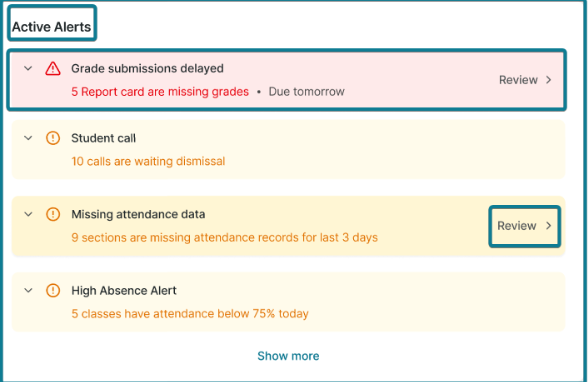
Active Alert Cards & Controls:
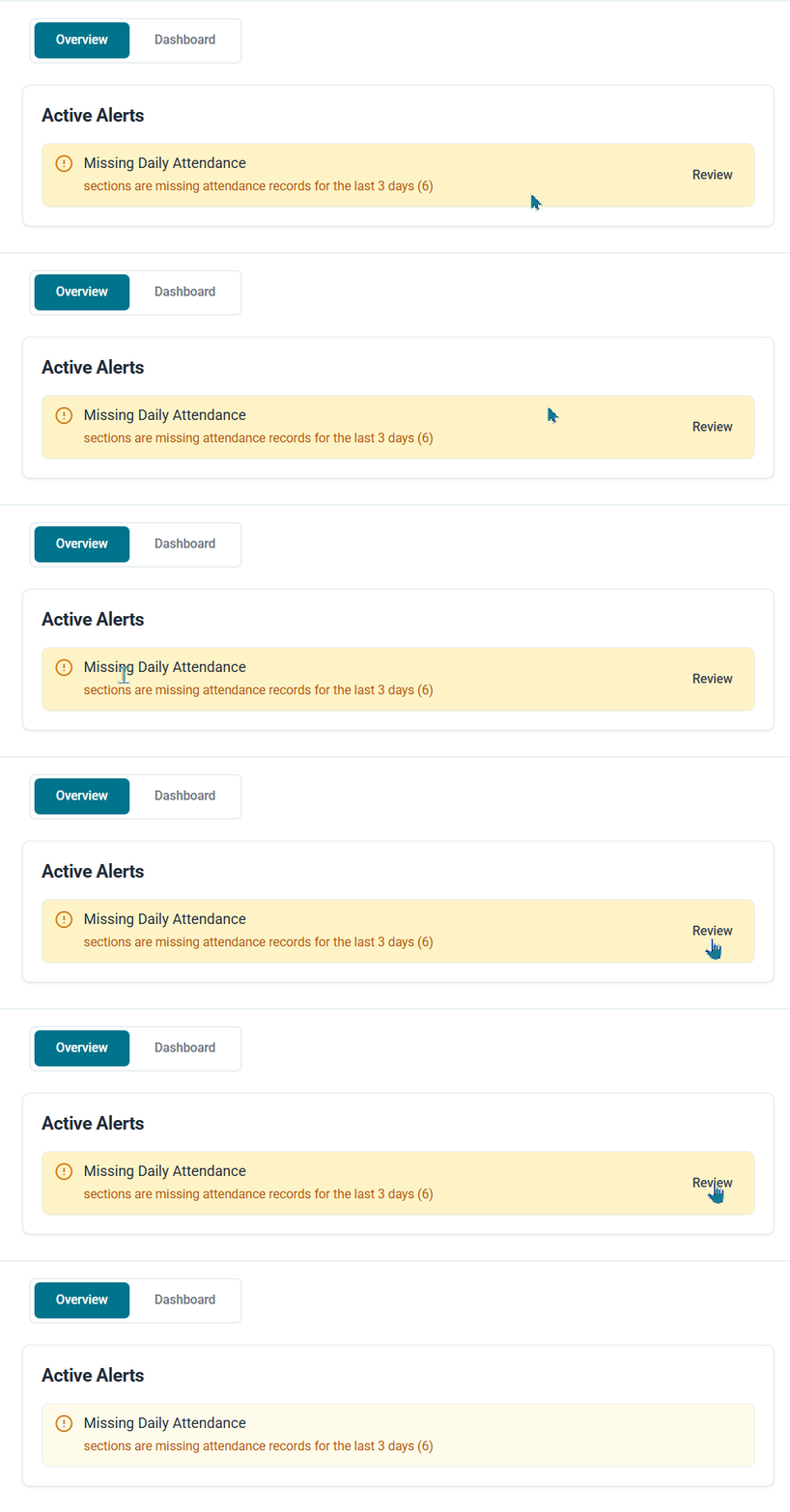
- Alert Title & Summary: Displays the specific operational bottleneck (e.g., Missing Daily Attendance) along with a brief description and total item count (e.g., sections are missing attendance records for the last 3 days (6)).
- Review Button: Click Review on the right side of any alert card to navigate directly to the dedicated module and resolve the flagged issue immediately.
Monitored Operational Gaps:
Important Note: This panel specifically surfaces omissions, incomplete tasks, and missing data inputs from other platform roles (such as teachers, staff, or students) that require completion. It does not indicate direct administrative system errors, but highlights gaps in school operations, including:
Alert 1 — Grade Submission Delay #
- This alert displays when the logged-in school has report cards with incomplete student grades and the report card closing date is within 3 days or fewer. It highlights the specific report titles requiring action and directs administrators directly to the Report Card List.
Alert 2 — Student Calls #
- This alert displays when there are active student pickup calls currently waiting for dismissal at campus gates, allowing administrators to review and manage student dismissal requests.
Alert 3 — Missing Daily Attendance #
- This alert displays class sections that have not recorded student attendance during the last 3 working school days, excluding official weekends and holidays.
Alert 4 — High Absence Alert #
This alert appears when one or more class sections have an attendance rate below 75% for the current day, calculated using Section Attendance metrics rather than Lecture Attendance.


